
InvoiceNow · GST · corporate tax
What stays with you
Singapore Compliance Guide for Cloud Accounting
This guide covers the compliance workflows your cloud accounting software should support in Singapore: InvoiceNow, GST filing, corporate tax preparation, and bank reconciliation. It is written for business owners and finance staff, not accountants, and it focuses on what the software has to do versus what stays with your accountant.
Grazmiel Cloud Accounting — software for business use in Singapore
Start here
InvoiceNow explained
InvoiceNow is Singapore's national e-invoicing network, linked to Peppol-based invoice exchange. It lets structured invoices move directly between systems instead of being emailed as PDFs and re-keyed. Adoption matters for businesses that want structured digital invoicing and fewer manual errors. When you evaluate software, check whether it both sends and receives InvoiceNow documents, or only one direction.
Ask the vendor two direct questions before you sign: can the platform receive an incoming InvoiceNow document straight into the ledger, and does the same connector handle outgoing documents? A one-way setup still leaves your accounts payable team retyping supplier invoices, which is exactly the step the network is meant to remove.
What InvoiceNow changes day to day
The practical difference is in accounts receivable and accounts payable. An InvoiceNow document arrives already structured, so it can flow into your ledger without a human typing it in. That reduces keying errors and speeds up reconciliation. It does not remove the need to review what came in. Your software should flag mismatches, not silently post them.
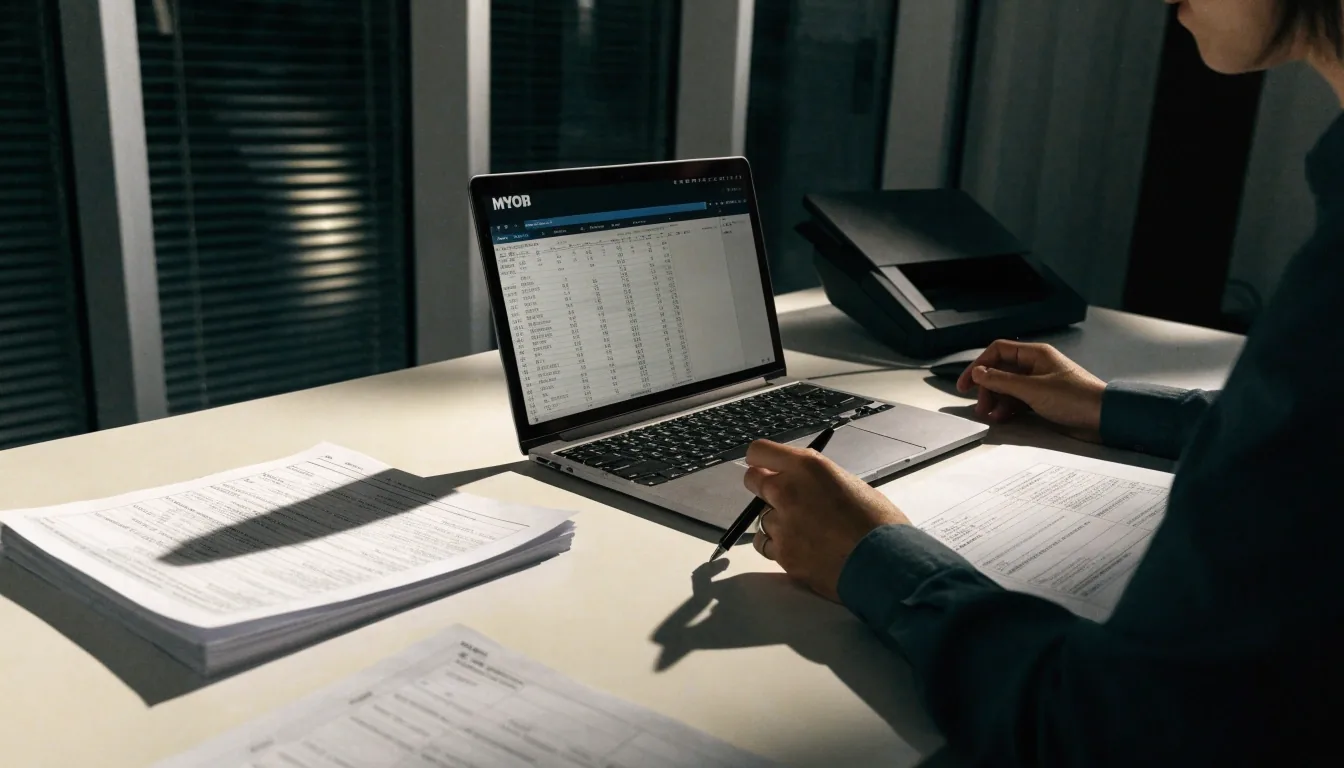
Structured records replace retyping
GST registration and filing
Once your taxable turnover crosses the threshold, GST registration becomes an obligation and your software needs to produce accurate returns. The workflow is straightforward if your records are clean: classify transactions correctly, reconcile the GST accounts, then generate the return. Problems come from mixed supplies, zero-rated exports, and transactions posted to the wrong account. Set up your tax codes before your first filing period, not during it.
A practical test before you commit to a platform: take last quarter's transactions and try to reproduce the return inside the trial account. If you have to export to a spreadsheet halfway through, the tax code setup is doing the work your software should be doing.
Filing period order
Mixed supplies and zero-rated exports are the two categories worth double-checking every period.
GST inside the chart of accounts
Your chart of accounts determines whether GST reporting is easy or painful. If every sale lands in a generic income account with no tax code, you will rebuild the return by hand. Map your revenue and expense accounts with GST treatment in mind from the start. Zoho Books, Xero, and similar platforms handle GST workflows, but only if the underlying account structure supports them.
Where the time goes
Accounts mapped with tax treatment
Return generated, not rebuilt
Set the tax codes before your first filing period opens. Retrofitting them mid-quarter means re-posting transactions you already reconciled.
Corporate tax preparation
Corporate tax filing relies on the same records as GST, but looks at the year rather than the quarter. Clean, reconciled books make the tax computation faster and cheaper, whether your accountant prepares it or your team does. Fixed assets, depreciation, and any multi-currency transactions need to be recorded consistently through the year. Reconstructing them in month twelve is where costs climb.
The useful habit is a monthly close you actually finish. Twelve small closes cost less than one large reconstruction, and your accountant starts the tax computation from a ledger they can trust instead of a spreadsheet they have to verify line by line.
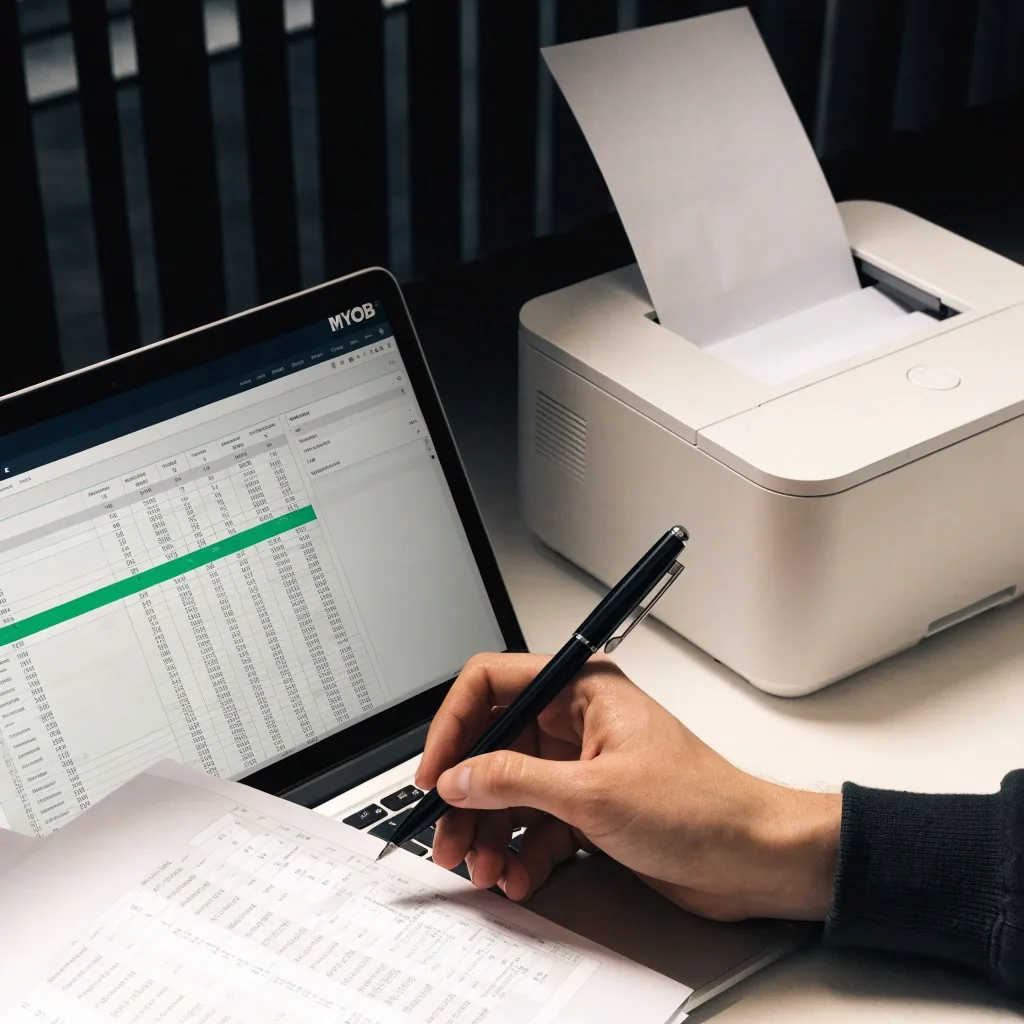
Bank reconciliation with local banks
Bank reconciliation is the daily habit that keeps everything else accurate. Your software pulls transactions through bank feeds, and you match them to invoices, bills, and payments. OCBC appears in accounting software integration and reconciliation contexts alongside other major Singapore banks, and most platforms list which local banks they support. Check that list against your own accounts before you buy. A feed that breaks or mismatches costs more time than it saves.

Records that hold up at year end
Multi-currency and cross-border trade
If you invoice overseas customers or pay foreign suppliers, your software needs to handle exchange rates and unrealized gains or losses. This affects both GST treatment on exports and your corporate tax computation. Record the rate you actually used at the transaction date, not a rate you look up months later. Consistency here is what keeps the year-end clean.
A monthly revaluation run is easier to review than a single year-end adjustment, and it makes the export lines in your GST return traceable back to the invoices behind them.
Security and access controls
Compliance also means controlling who can see and change your records. Multi-factor authentication is the baseline, and Xero states it uses it. Beyond login security, look at user roles: can a staff member post a journal entry without approval? Can a former employee still access the system? Review access when people leave, not once a year.
Where your accountant fits
Software handles recording, classification, and reporting. Your accountant handles judgment: how to treat an unusual transaction, what to claim, and how to present the year. The goal of good cloud accounting is to give your accountant clean data and free up their time for the parts that need a professional. If you need incorporation or ongoing corporate services as well, firms such as InCorp Global cover that alongside accounting and tax support.
Questions finance teams ask us
Is InvoiceNow mandatory for my business? open
It depends on your sector, your customers, and current requirements. Adoption matters most for businesses that want structured digital invoicing. Confirm your obligations with your accountant.
Can cloud software file my GST return directly? open
Many platforms generate the GST return and supporting reports. Whether they submit on your behalf depends on the platform and your setup. Check before assuming.
What if my bank feed does not support my account? open
You can usually import statements manually. It works, but it adds a step each month. Confirm bank support before choosing a platform.
Talk to Grazmiel
Business software, registered and supported in Singapore
Grazmiel Cloud Accounting provides cloud accounting software for business use, with official registration and support from a Singapore team. Bring us your current bookkeeping setup and we will walk through the compliance workflows this guide covers.
Corporate registration details
- Company
- Grazmiel Cloud Accounting
- Registered office
- 71 Robinson Road, #14-01, Singapore 068895
- Business phone
- +65 6259 8768
- [email protected]
- Working hours
- Mon–Fri, 9:00 AM – 6:00 PM (SGT); support desk Sat, 10:00 AM – 2:00 PM